Help and support
cEDH Deck Compare for iPhone
Bring your deck, compare exact card differences with TopDeck lists for the same commander, and follow new tournament records.
Duo support. Use cEDH Deck Compare on Duo’s outer screen or inner screen to inspect your deck and its card differences.
Connect the same account on iPhone and cedhdiff.com to sync saved decks, follows, and previous versions. An account is optional.

Free to use. Requires iOS 26 or later.
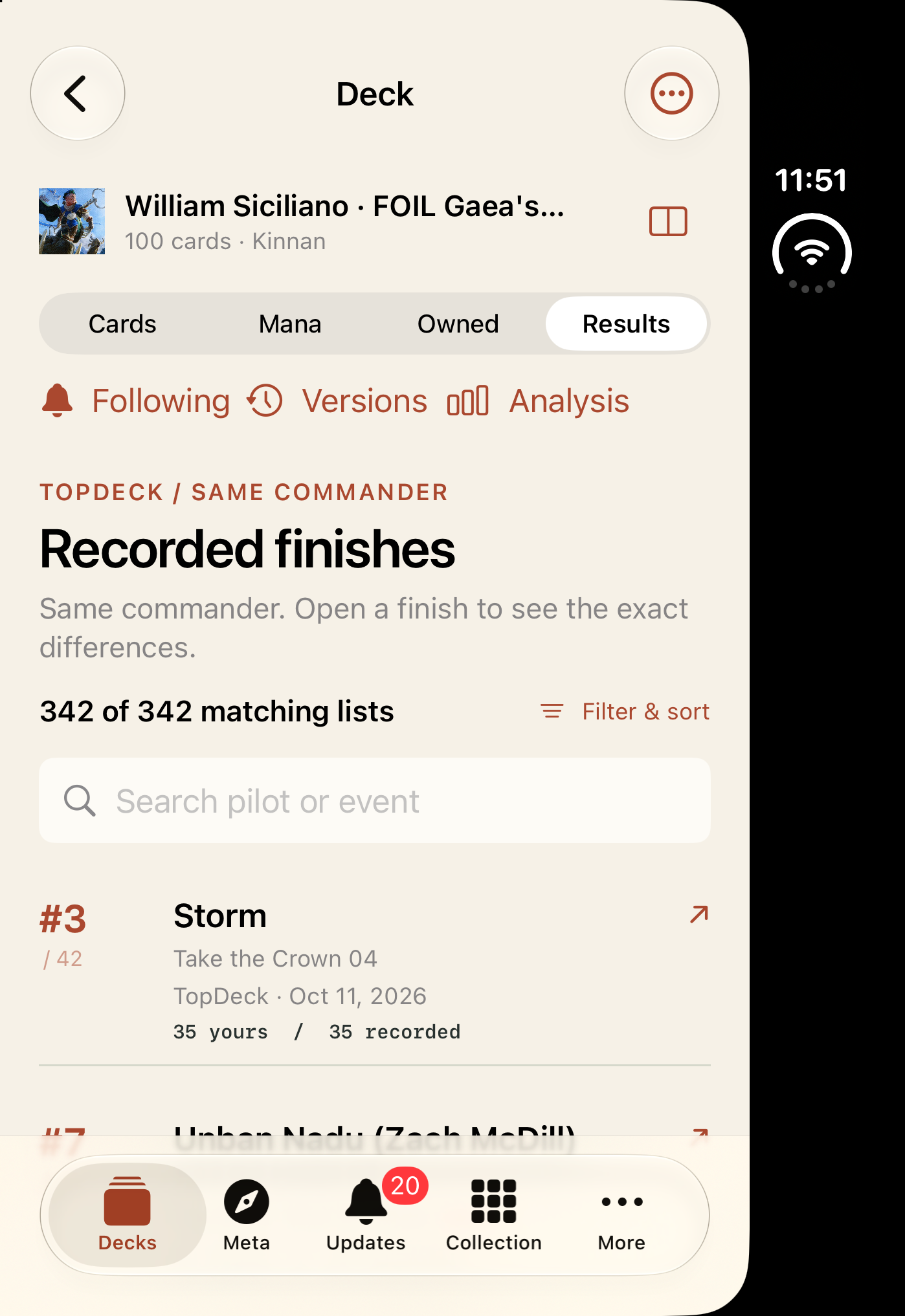
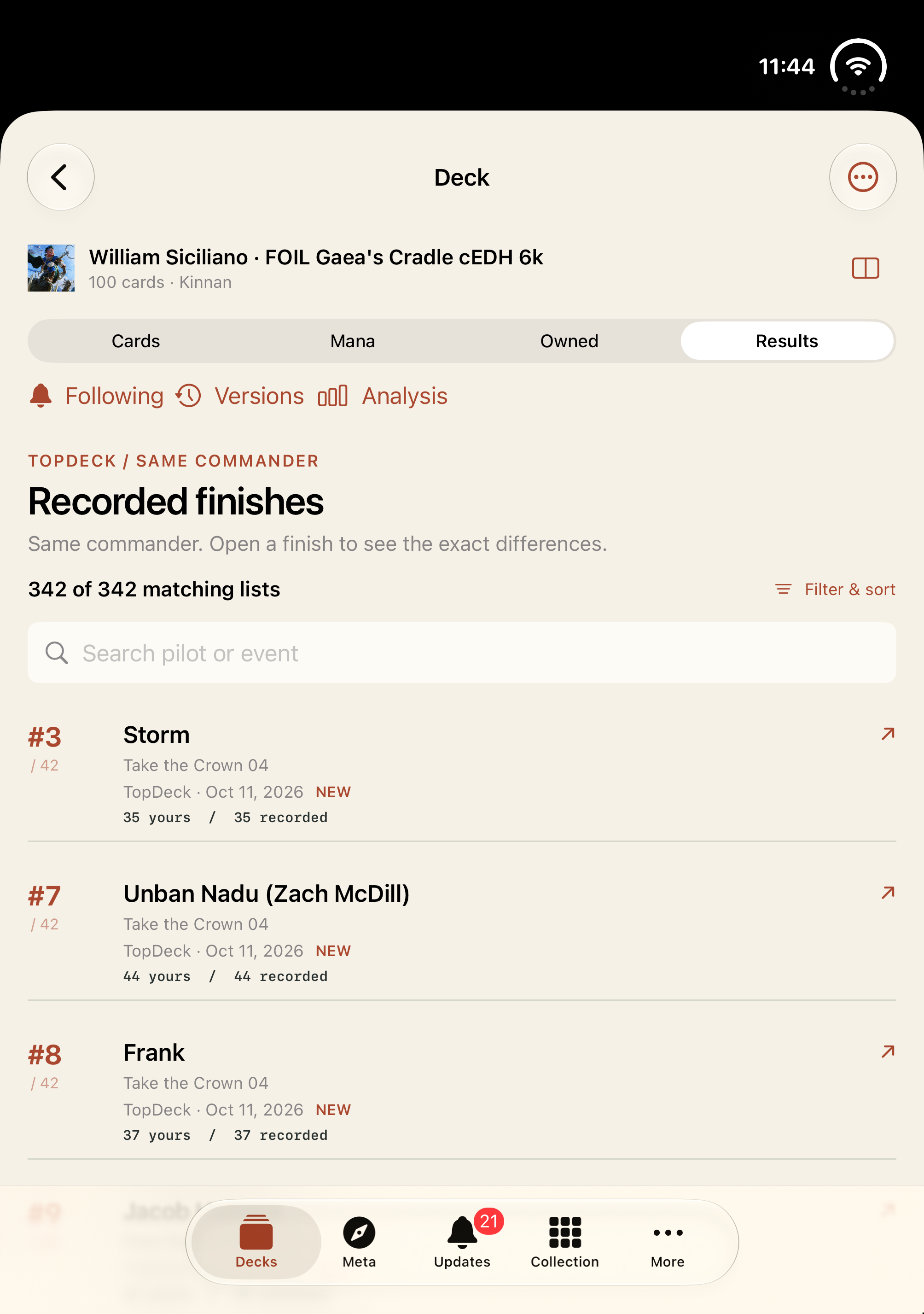
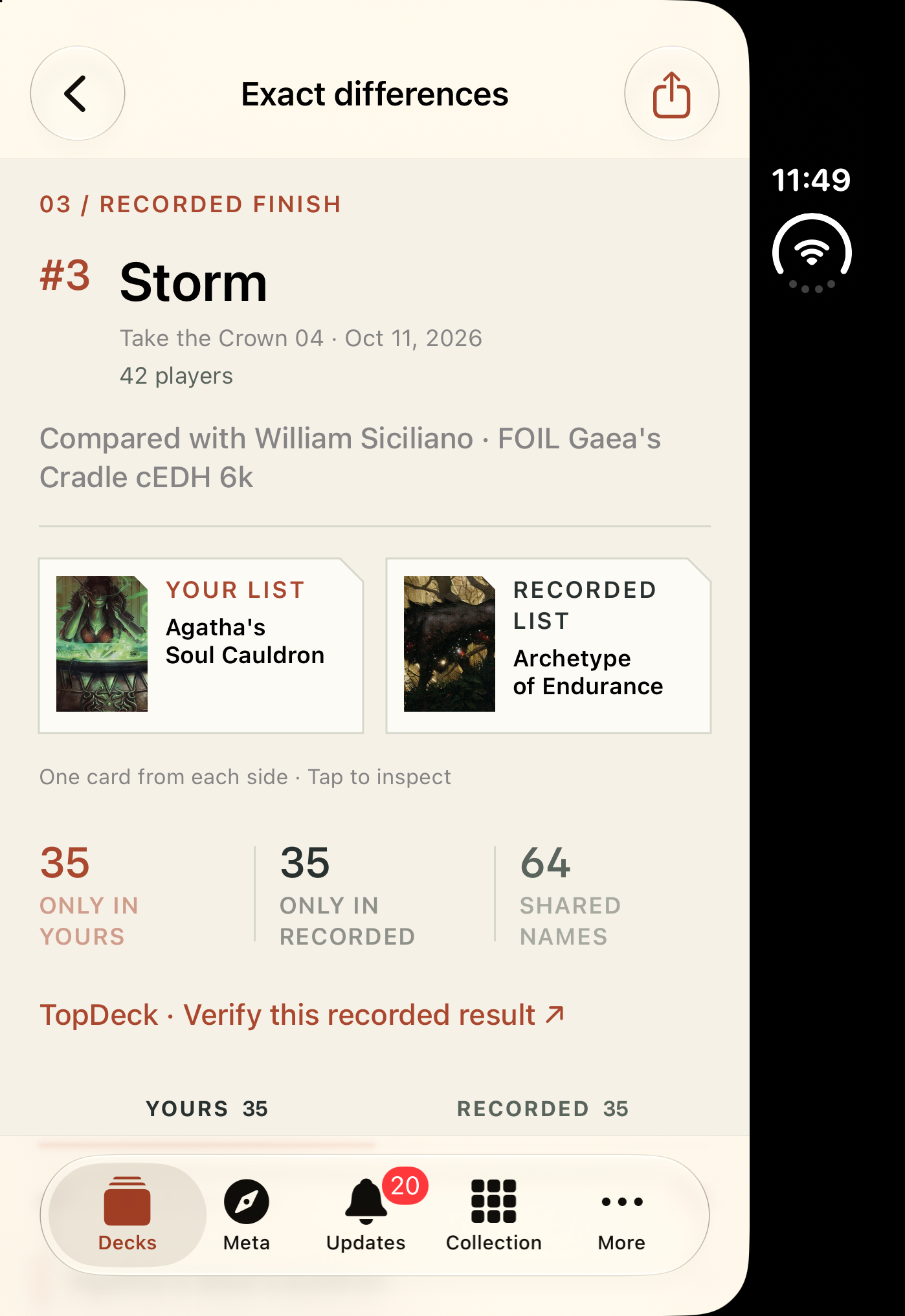
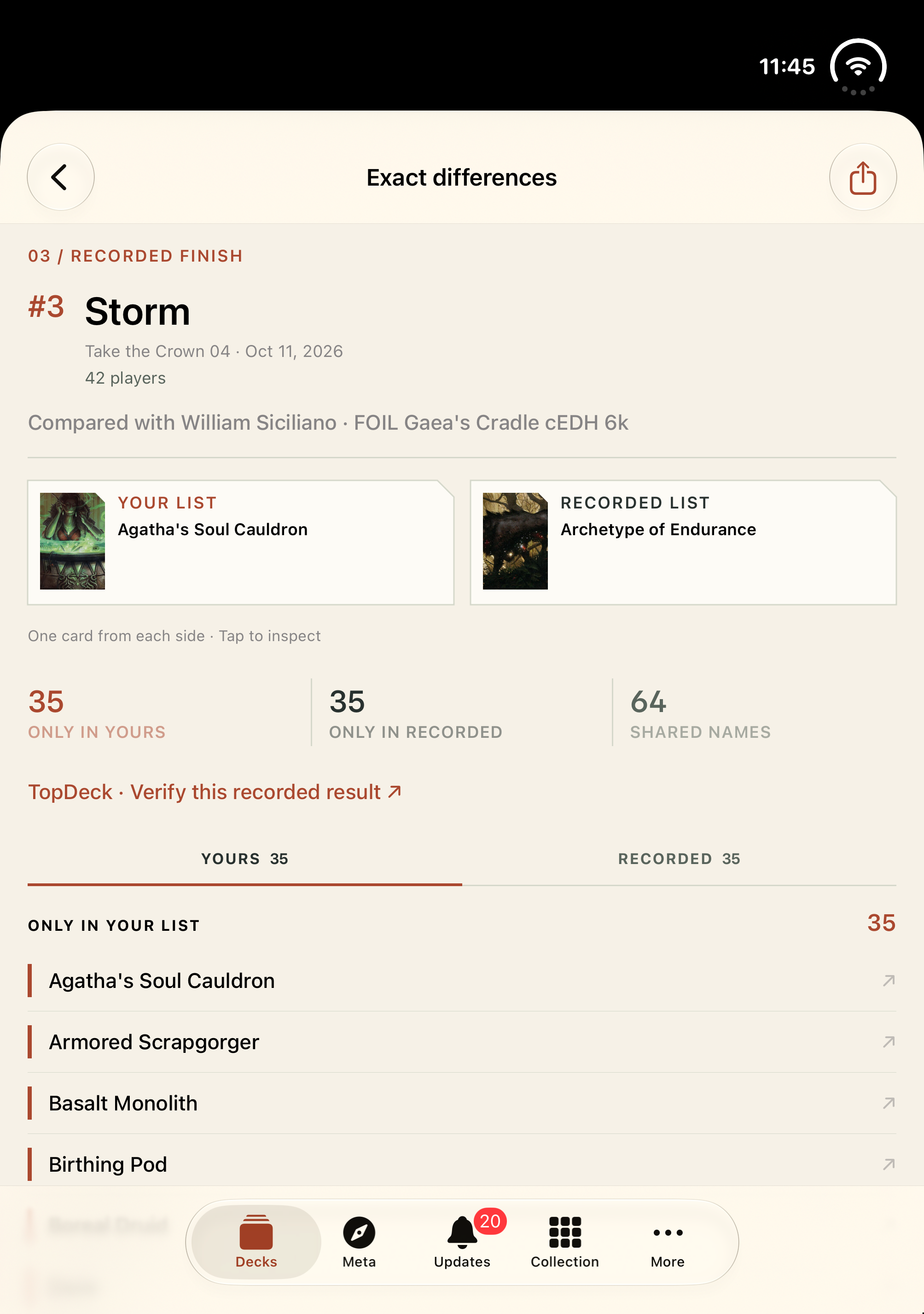
Screenshots from cEDH Deck Compare 2.0.
Before reporting a problem
- Include a Commander section and at least one maindeck card in pasted lists.
- Use a public Moxfield, Archidekt, or TopDeck URL for website imports.
- For ChatGPT, include the commander or full partner pair in your request.
- If TopDeck or Scryfall is unavailable, try again later.
Send product feedback
Open “Was this comparison accurate?” on the Results page to report a wrong commander match or card difference. Only your selected response is sent; your decklist and account details stay private.
Open ResultsService details
Review the ChatGPT plugin page for availability and example prompts. See how your data is handled in the Privacy Policy.